User Centred Designs
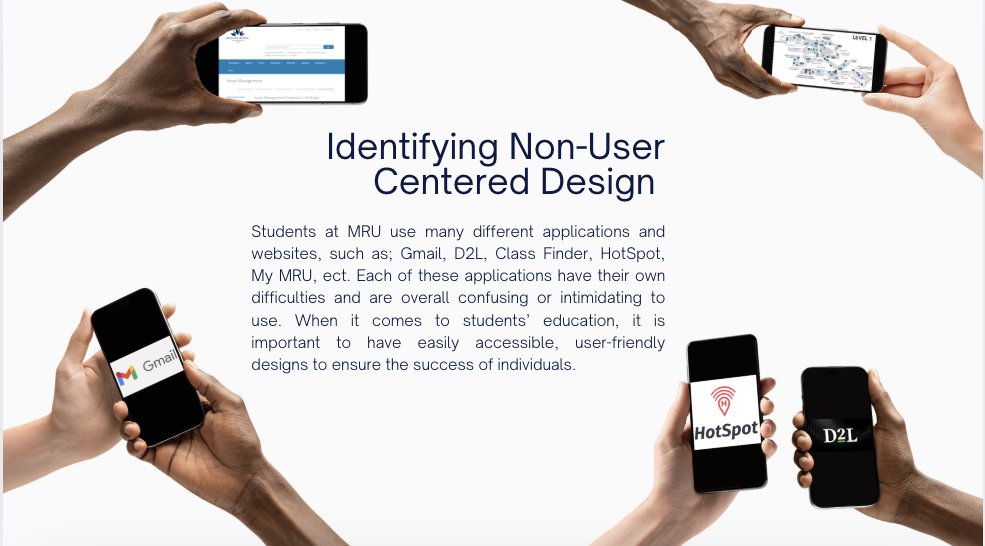
This midterm project challenged me to step into the shoes of my fellow students and tackle a real-world problem: the frustrating and fragmented digital ecosystem at Mount Royal University. By applying core principles of User-Centred Design (UCD), I identified key pain points in existing systems and designed a consolidated, intuitive solution.
Final Design
Problem?
The student experience was hampered by a collection of disconnected platforms like D2L, the class finder, and the My MRU portal. These systems were often chaotic, inefficient, and intimidating. The core problem wasn't a lack of tools, but a lack of thoughtful design, leading to students asking questions like, "Why does it take me 10 minutes just to find where to register for classes?" The design was not centred on the user's need for simplicity and efficiency.
Solution?
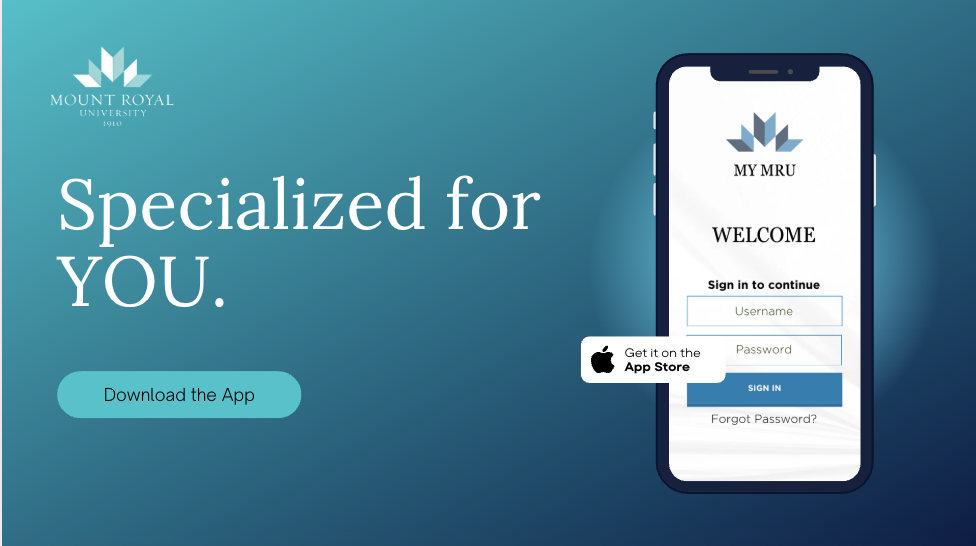
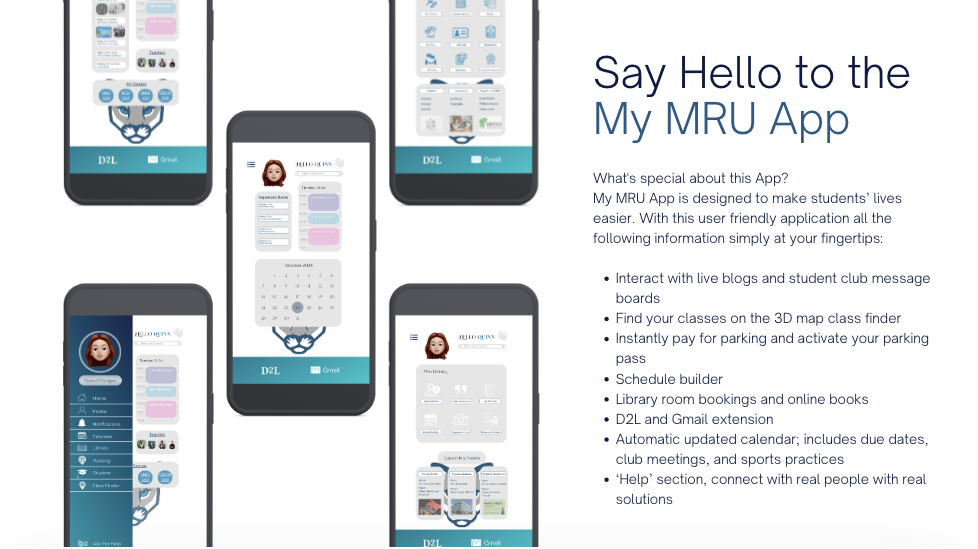
The solution was "My MRU App," a hypothetical mobile application designed to be a single, user-friendly hub for all student needs. I focused on simplifying the design to reduce cognitive overload and making it more accessible through clear language and logical information architecture. The app brings together essential functions like a 3D map class finder, a schedule builder, a unified calendar with automatic due dates, and direct access to D2L and email—features that directly solved the inefficiencies I identified in my research.

Tools
This project followed a clear UCD process: starting with research and analysis of existing non-user-centred designs, moving into a redesign proposal, and culminating in a high-fidelity concept. The visual design and presentation were crafted using Adobe InDesign and Canva, while the initial wire-framing and UI/UX flow for the app itself were developed in Figma.
Project Details
Project: User-Centred Design Midterm
My Role:
UX Researcher
UI Designer
Key Skills Demonstrated:
User Research & Problem Identification
Heuristic Evaluation
Cognitive Load Reduction
Mobile App UI/UX Design
Solution Prototyping
Software Used:
Figma (App Wireframing/UI)
Adobe InDesign (Layout & Documentation)
Canva (Presentation)